Demo Application
Overview
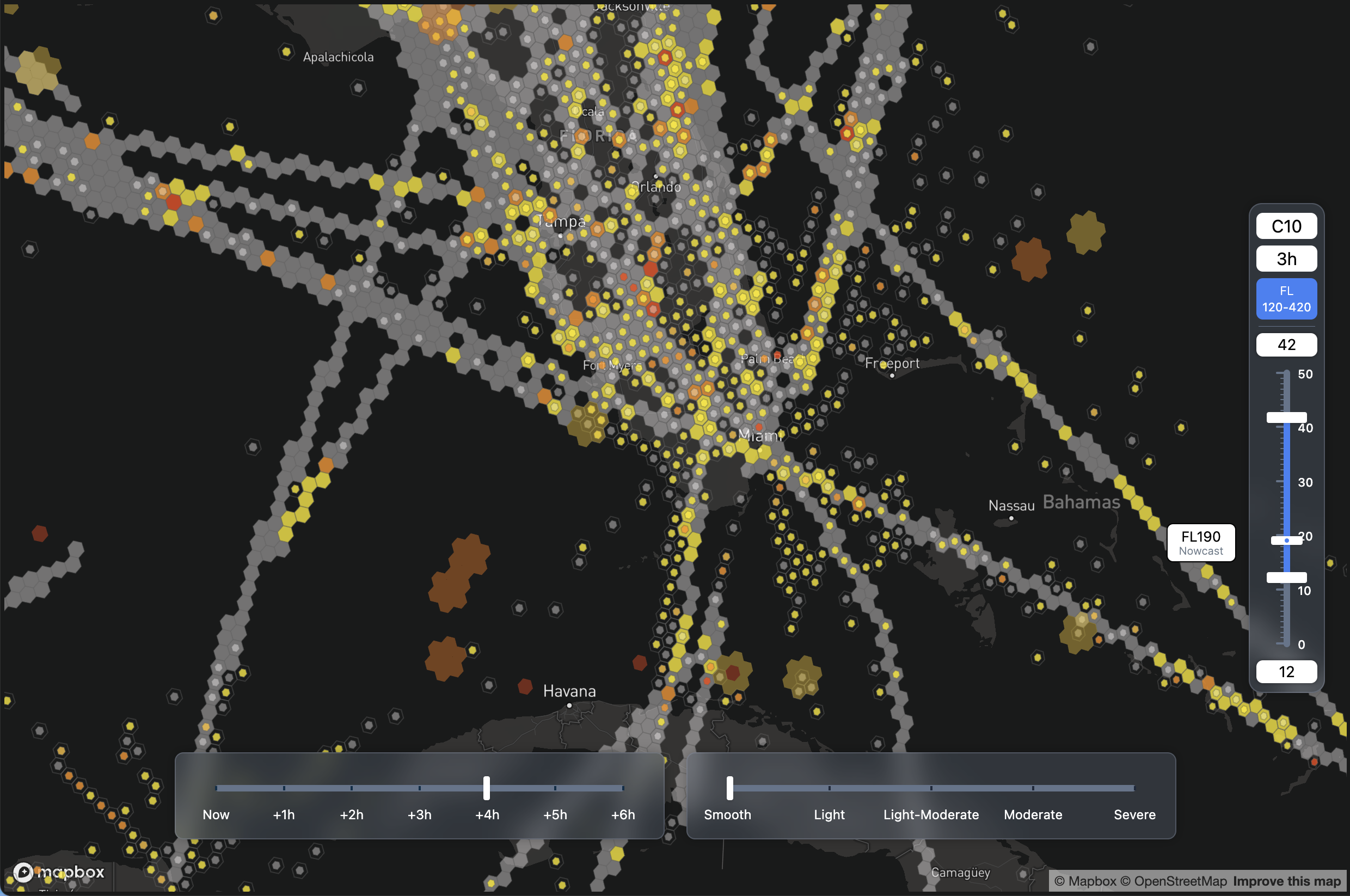
The SkyPath React Demo is a front-end application that demonstrates the use of the SkyPath Web SDK for visualizing weather and turbulence data on a geographic map. Initially focusing on nowcasting data, the application is designed to eventually incorporate additional weather forecasting features and data layers, showcasing a broader range of the SDK's capabilities.
Motivation
The primary motivation behind developing the SkyPath React Demo is to provide a robust tool for developers and users to explore the functionalities of the SkyPath SDK within a real-world application context. This demo serves as a technical proof of concept that developers can leverage to understand SDK integration and data visualization techniques.
Access
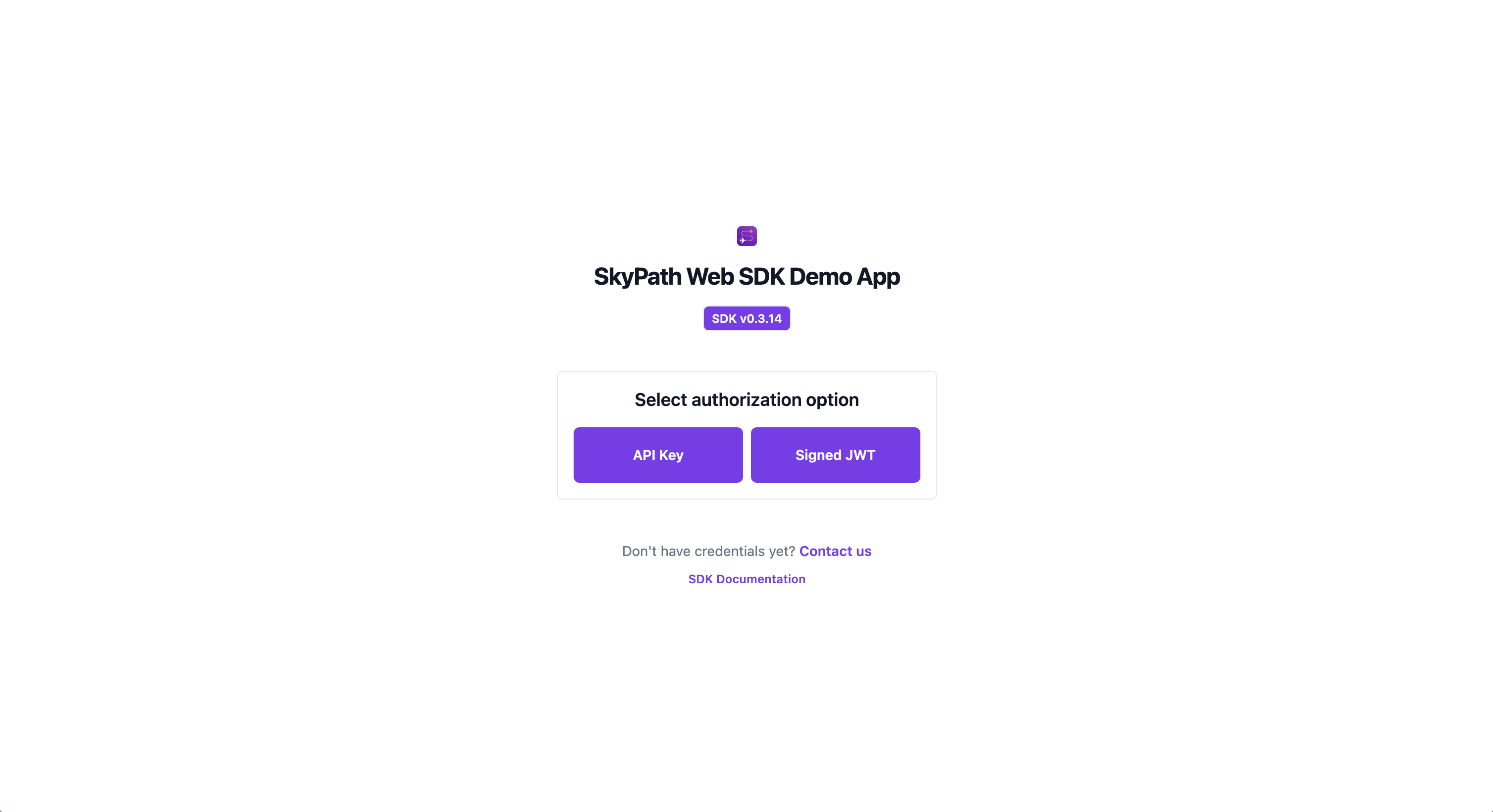
To use the Demo App you need to provide configuration and authentication parameters to access the SkyPath platform.
- SkyPath API key - If you don't have it please contact us at Start a trial with SkyPath;
- User ID - Your user ID;
- Company Name - Your company name;
You may use alternative methods to authenticate with the SDK. For more details, please refer to the SDK configuration documentation.
Architecture
- Front-end Framework: Built with React, using functional components and hooks for effective state and lifecycle management;
- State Management: Utilizes React Hooks for local state management, facilitating responsive updates and rendering based on user interactions and data changes;
- Data Flow: Initially integrates with nowcasting and observations features via the SkyPath Web SDK, with plans to extend functionality to include additional data types and interactions;
Components Structure
- Atoms: Includes basic UI elements such as
AltitudeDisplayandDivider; - Molecules: Contains composite components like the
Sliderdirectory components (Bubble,Range,Track); - Organisms: Complex components such as
MapControls, which combine multiplemoleculesandatomsfor comprehensive functionality; - Hooks: Custom hooks like
useNowcastingFilteringanduseNowcastingFloware instrumental in managing data interactions and state related to the weather data processing;
Tech stack
- SkyPath SDK: Central to accessing and managing SkyPath API
- React: For constructing the user interface
- Vite: Employed as the build tool for rapid development and efficient bundling
- Tailwind CSS: Utilized for utility-first CSS styling
- Radix UI: For UI component primitives
- Mapbox GL JS: For rendering interactive and dynamic maps
- ESLint: Ensures code quality and adherence to standards
- PostCSS: Processes CSS with JavaScript
Quick Start 🚀
This guide is designed to help you set up and run the SkyPath React demo application with minimal setup steps. Follow these steps to get started:
Preparation
Make sure you have access to the SDK which is a dependency of this Demo app.
1. Clone the Repository
First, clone the demo repository to your local machine:
git clone https://github.com/Yamasee/skypath-web-sdk-demo.git
cd skypath-web-sdk-demo
2. Set Up Environment Variables
Before running the application, you need to make sure you have access to SkyPath SDK and Mapbox.
3. Install Dependencies
Run the following command to install all necessary dependencies:
npm install
4. Start the Application
Now, start the application:
npm run dev
The application should now be running on http://localhost:5173. Open this URL in your browser to view the demo.
Troubleshooting 🆘
If you encounter any issues during the setup or have questions, please refer to the main SDK documentation or contact the SkyPath support team for assistance.
Happy coding! 🚀