Demo Application
Overview
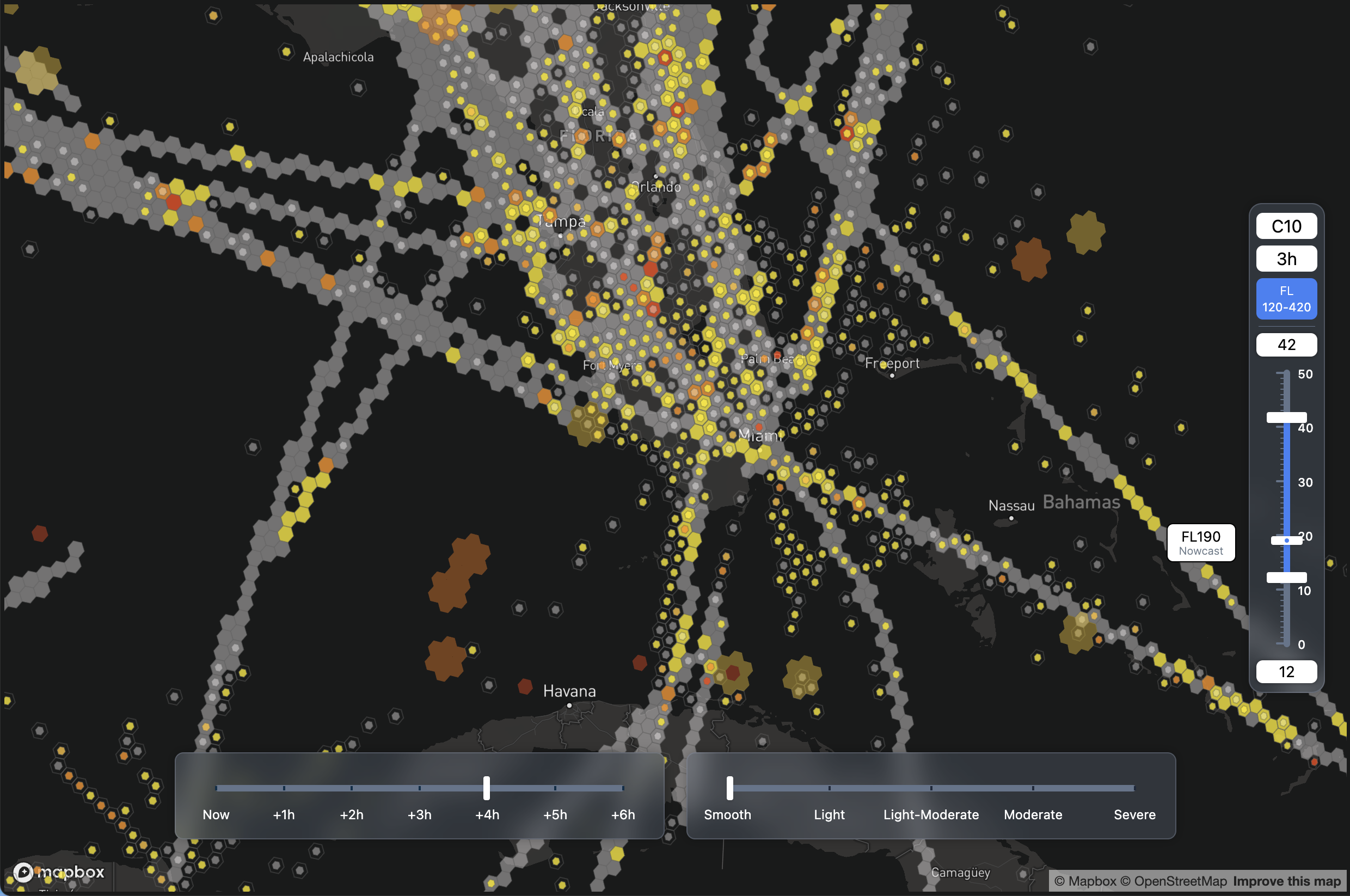
The SkyPath React Demo is a front-end application that shows the SkyPath Web SDK on a map: turbulence observations, forecast, OneLayer and ADS-B data, with altitude, severity and time filters.
Motivation
The primary motivation behind developing the SkyPath React Demo is to provide a robust tool for developers and users to explore the functionalities of the SkyPath SDK within a real-world application context. This demo serves as a technical proof of concept that developers can leverage to understand SDK integration and data visualization techniques.
Access
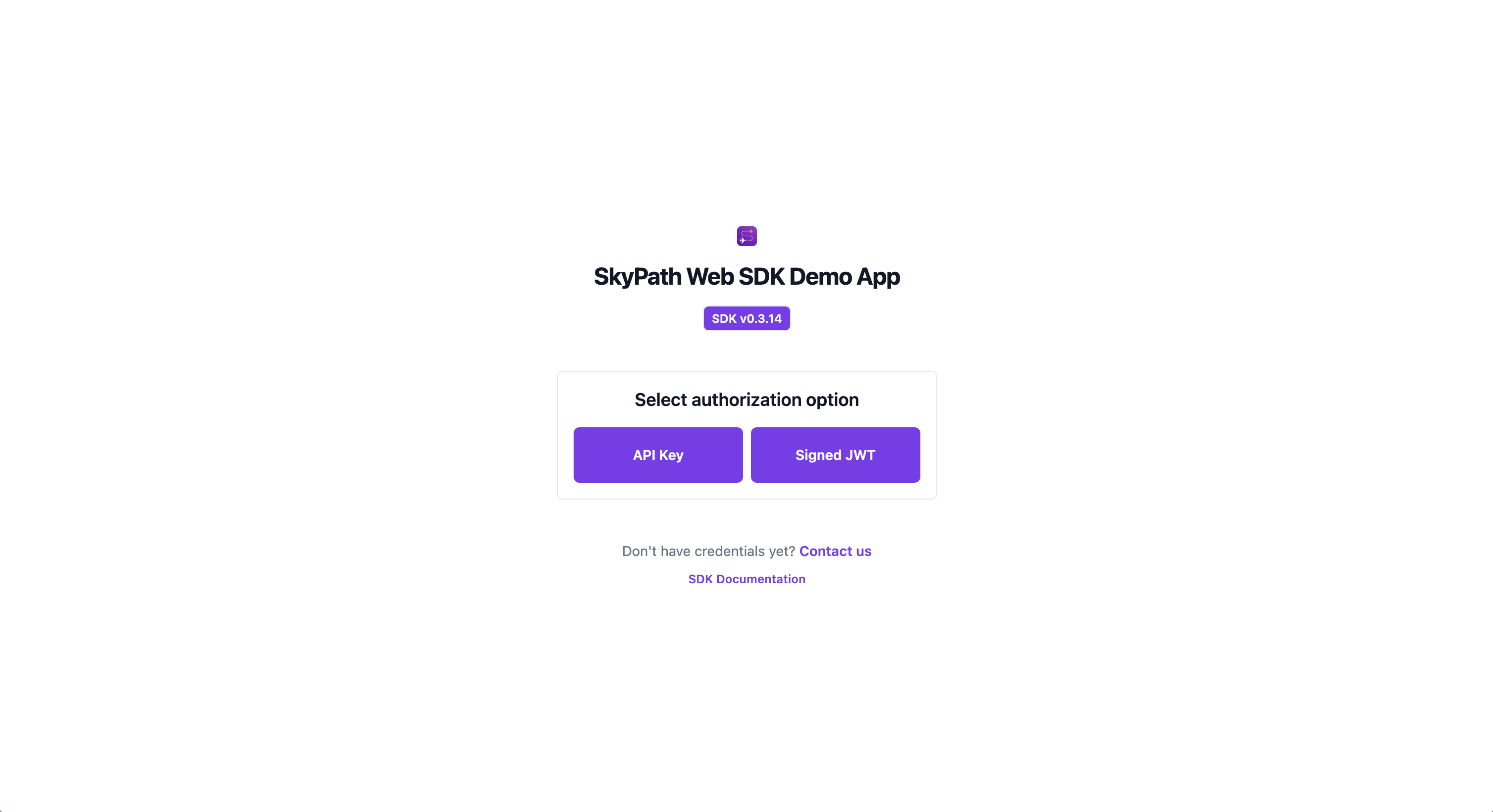
To use the Demo App you need to provide configuration and authentication parameters to access the SkyPath platform.
- SkyPath API key - If you don't have it please contact us at Start a trial with SkyPath;
- User ID - Your user ID;
- Company Name - Your company name;
You may use alternative methods to authenticate with the SDK. For more details, please refer to the SDK configuration documentation.
Architecture
- SDK setup:
AuthWrapper.jsxcreates the SDK with an API key or a signed JWT and passes it to the app; - Flows: every flow has its own hook (
useObservationsFlow,useForecastFlow,useOneLayerFlow,useAdsbFlow). A shareduseHexagonsFlowhook creates the flow when the component mounts, subscribes toonData,onErrorandonIsProcessingChange, and terminates the flow when the component unmounts; - Map polygon: the map viewport is turned into a polygon with
GeoUtils.getMapPolygonand passed to every flow withupdateConfig(); - Observations and OneLayer: OneLayer already includes observations, so the demo runs OneLayer when it is enabled for the user and Observations otherwise;
Components Structure
- Atoms: basic UI elements such as
AltitudeDisplay,ButtonandDropdown; - Molecules: composite components such as the auth forms and the
Sliderparts (Track,Range,Thumb); - Organisms: complex components such as
MapViewandMapControls; - Hooks: one hook per flow, plus
useMapLayersthat decides which flows run anduseMapStatethat holds the filter values;
Tech stack
- SkyPath SDK: access to the SkyPath platform
- React: user interface
- Vite: dev server and build
- deck.gl: map layers over Mapbox GL JS, through
react-map-gl - Tailwind CSS: styling
- Radix UI: UI primitives
- ESLint: code quality
Quick Start
You need Node.js 22.14 or later.
git clone https://github.com/Yamasee/skypath-web-sdk-demo.git
cd skypath-web-sdk-demo
npm install
npm run dev
Open http://localhost:5173/skypath-web-sdk-demo/ and sign in with your SkyPath credentials.