Record Data
Overview
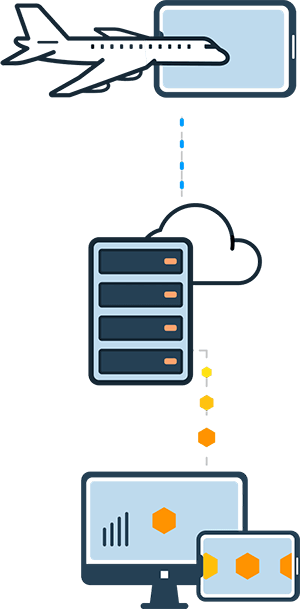
SkyPath uses iPad sensors to record real-time turbulence data. SkyPath works in the background and senses unbiased turbulence automatically (no pilot action needed), and is normalized per A/C type.
Automatic Tracking
Recording does not depend on a flight being set. When no flight is set, the SDK starts a flight on its own once it detects the aircraft is in the air, and ends it automatically after landing. There is nothing to call for it in either direction.
Setting a flight with setFlight(_:) is still recommended whenever your app has the details, so the recorded data is attached to a real flight number and route. Setting it while the SDK is already tracking merges the details into the flight in progress. A flight set this way is not ended automatically — end it with setFlight(nil).
Device Position
- The app auto-calibrates on its own, we show the notification that it is calibrating and ready to record.
- When moved around, the app stops the recording but we do not show any note, since it could be intended.
- Following a minute in a stable position, the app recalibrates and will be ready to record again.
- Data is not recorded when the iPad is horizontal. You can show a notification to the pilot on why it is not recording.
Recording State
Read SkyPath.shared.recordingState to know whether the SDK is currently recording and why it is not, and implement SkyPathDelegate.didUpdateRecordingState(to:) to be notified of the changes.
switch SkyPath.shared.recordingState {
case .recording:
    break // recording
case .notInPosition:
    break // the device is not in a stable position, ask to place it in the cradle
case .horizontal:
    break // the device is horizontal
case .noise:
    break // the measurements are too noisy to be used
}

// SkyPathDelegate
func didUpdateRecordingState(to state: RecordingState) { }
Map your pilot-facing messages onto these four cases.
Battery
SkyPath works in the background to track turbulence ahead and notify pilots. The SkyPath battery consumption is highly optimized and negligible on its own. The main iPad consumer is the screen brightness. On the ground, and after the flight, SkyPath will automatically turn off location services to conserve the battery.